Plumbing Lead Follow Up for Consenting Web Leads
Our plumbing lead follow up add-on calls people who submit your web form and give written consent naming your business. Calls begin within about a minute during the calling window. Hear the receptionist in the browser demo before setting up the add-on.
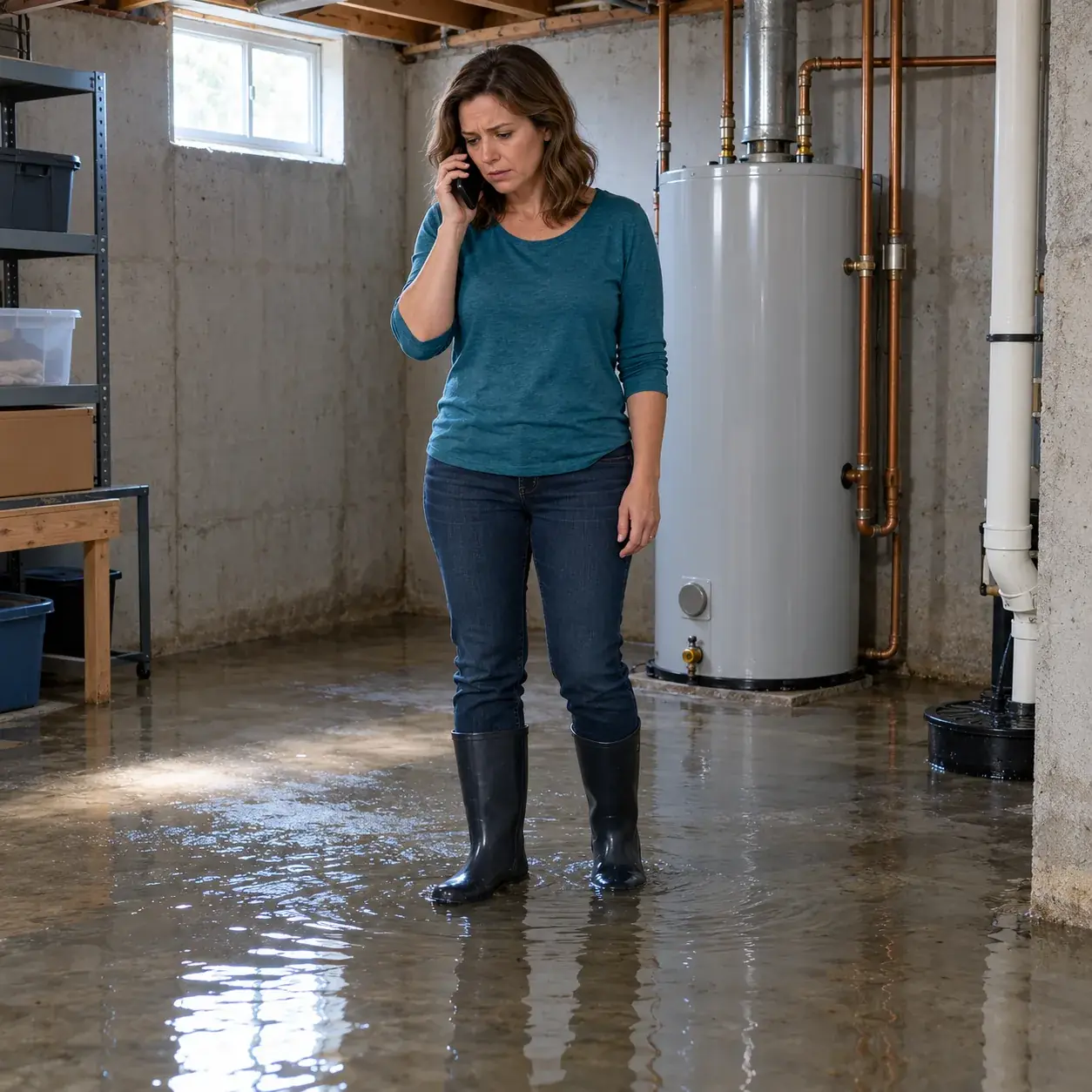
Call back people who ask your plumbing business to call
The add-on follows up with new web-form leads who tick a consent box naming your business. It gives those requests a phone conversation while your team is busy.
- Requested contactFollow up only with people who submit your form and give written consent.
- Prompt attemptPlace the follow-up call within about a minute during the permitted calling window.
- Business contextUse your shop's services, area and policies when speaking with the new lead.
Keep reading
A visitor might submit your form about a leaking water heater while you work elsewhere. This optional add-on requires checking one fixed consent box, unchecked by default:
"By checking this box, I agree that [Your business name] may call me at the phone number above about my request, including calls made with automated technology and an AI voice assistant. Consent is not a condition of purchase. I can say "stop" on any call and I won't be called again."
Calls use your receptionist's business knowledge and go only to the 50 US states within about a minute during calling hours, 8 a.m.-8 p.m. the lead's time; otherwise, the next morning. Each number gets at most one follow-up per day: one attempt plus one retry 10 minutes later. Keep the consent record.
From a consented form submission to a follow-up call
For a form submission with the required consent, the add-on calls within about a minute between 8 a.m. and 8 p.m. in the lead's local time. It makes one attempt plus one retry.
- Local calling windowPlace calls between 8 a.m. and 8 p.m. in the lead's time.
- Clear introductionIdentify the virtual assistant and disclose recording at the start of the call.
- Limited attemptsMake one attempt and one retry, honoring requests to stop contacting the lead.
Keep reading
The follow-up conversation opens with the virtual-assistant and recording notices, then gathers the plumbing request using your business information. A person asking about a tankless installation estimate can explain what they need. Your service area and price policy guide the receptionist's answers.
You receive the call summary, urgency tag, transcript and recording through email and app push notifications. Review those details to decide your team's next step. The add-on uses one attempt plus one retry, and opt-outs are honored at once. Its calling window is based on the lead's local time.
Prepare the consent box and your business answers
You provide the form consent naming your business, retain the consent records and teach the AI your shop's policies. Accurate service details help the follow-up conversation stay relevant.
- Named consentUse a written consent checkbox that names the plumbing business making the follow-up call.
- Consent recordsKeep the records showing a lead agreed to receive your business's follow-up call.
- Shop knowledgeSupply services, coverage, hours and pricing instructions before the receptionist contacts your leads.
Keep reading
Use onboarding to describe the jobs you take and the requests you would decline. Include your policy on phone quotes, estimate visits and after-hours fees. Those instructions let the receptionist explain your shop's next step without making up an answer about price or service availability.
For this add-on, consent records are your responsibility. Your form needs the written consent checkbox naming your business before follow-up calls can begin. Keep the business named in the consent aligned with the business the receptionist represents. Update the AI's settings in plain words when your services or policies change.
Written consent, local hours and limited attempts
A phone number alone is not enough for this add-on. Follow-up requires a submission through your web form with written consent naming your business, within the stated calling hours and attempt limit.
- Written permissionRequire the submitted consent checkbox naming your business before making a follow-up call.
- Immediate opt-outsHonor a person's request to stop follow-up contact as soon as it is made.
- Defined timingKeep attempts within the local calling window and the one-retry limit.
Keep reading
Entering a phone number on your form does not meet our follow-up requirement by itself. The person must also tick the written consent box naming your business. Keep the consent record with the submission so you can establish who requested contact and which business they authorized.
The add-on places calls within about a minute during its 8 a.m. to 8 p.m. local calling window. It makes one attempt plus one retry, and an opt-out ends further follow-up contact at once. The attempt gives the lead an opportunity to discuss their request; it does not promise an answered call or a booked job.
Hear the receptionist before adding follow-up calls
Try the browser demo to assess the AI's plumbing intake and policy answers. Then use onboarding to prepare your business knowledge and consent-based follow-up setup for the add-on.
- Try the voiceSpeak with the fictional demo business about a leaking water heater request.
- Check policy answersAsk a drain clog pricing question under the demo business's no-quote policy.
- Prepare your formReview the named consent checkbox and records needed before enabling follow-up calls.
Keep reading
Use the receptionist conversation demo to hear how the AI asks about a plumbing request. Try a water heater problem or tankless estimate scenario and judge whether the questions give your team useful context. The browser demo uses a fictional business and requires no signup.
For your own business, request a free trial for the receptionist; we email your sign-in link when the trial is ready so you can enter your services, area and pricing policies. Follow-up is an add-on with its own written consent requirement. Prepare your form and consent records before enabling calls to new web leads.
Common questions
Who can the follow-up add-on call?
It can call people who submit your web form and tick a written consent box naming your business. We require prior express written consent for this add-on, and you keep the consent records. Only those requested callbacks qualify, with one attempt plus one retry during the local calling window.
How quickly does it call a new plumbing lead?
Calls are placed within about a minute during the calling window of 8 a.m. to 8 p.m. in the lead's local time. That timing describes the follow-up attempt, rather than an appointment or an answered call. The add-on makes one attempt plus one retry.
Will people know the follow-up caller is AI?
The AI says it is a virtual assistant and gives the recording notice at the beginning of the call. It represents your business using the information you supplied during onboarding. The disclosure cannot be switched off, including for calls made through the follow-up add-on.
What happens if someone asks it to stop calling?
Opt-outs are honored at once. The follow-up add-on is limited to one attempt plus one retry, and a request to stop ends further follow-up contact. Your form's written consent and the records you keep are part of setting up this requested-contact feature.
Can I hear it before requesting a free trial?
You can speak to the receptionist in the browser demo without signing up. Try a fictional plumbing scenario to assess its intake questions and policy answers. When you start your own setup, the onboarding chat gathers your business details and the follow-up add-on requires written consent naming your business.
Try the voice behind your follow-up calls
Hear the AI in the browser demo, then request a free trial; we email your sign-in link when ready. Prepare your web-form consent and business instructions before enabling the follow-up add-on.
Try the burst-pipe call Try it free
Free trial: 14 days, up to 100 minutes (on request)